No CAD design fee for your GW order
Design the name pendant yourself with Johnny can draw, then place your production order with GW. Your shop skips the separate CAD drawing fee. Production is charged separately.

MEET YOUR NEW
NAME-PENDANT DRAWER
Johnny draws your shop's name-pendant CAD at no drawing fee for self-designed GW production orders. Design with your customer in store, get their approval and send it to GW to make. Production is quoted separately.
Your new drawer. Your shop branding. Your retail prices.
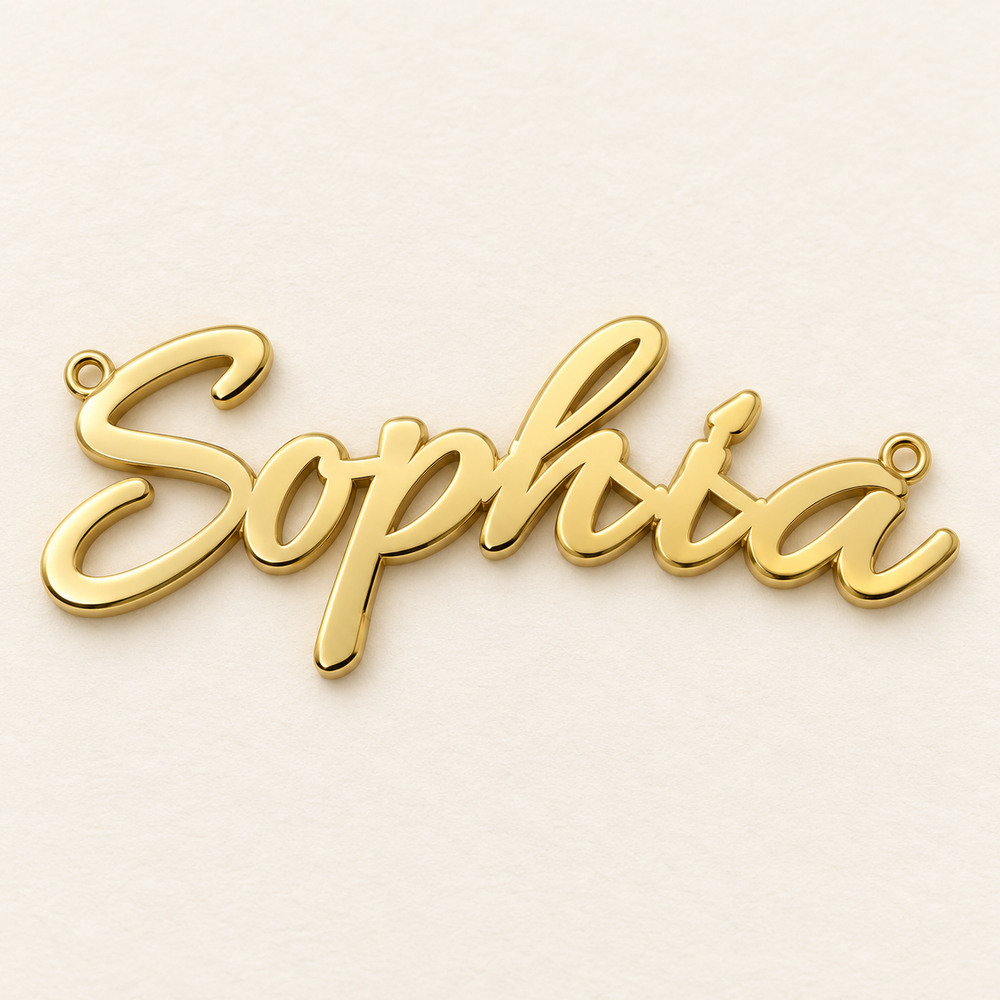
Your design. Your customer.
Your next GW production order.
MEET YOUR NEW DRAWER / THE 2-MINUTE TOUR
Name. Size. Metal.
A Johnny pendant, from start to approval.
Johnny introduces himself in an Australian voice, designs an 18k gold pendant and shows Add to order. Production ETA: 7 business days. Captions included. Demo order and example prices; drawing wait shortened.
Try it with Johnny0:00 — Meet Johnny. Your new drawer. G'day, I'm Johnny, your name pendant CAD drawer. I'll draw your self-designed Greenwax orders with no separate CAD fee. Production is charged separately.
0:12 — No CAD fee. DIY in store. Your shop UI. Skip the back and forth with a CAD drawer. I'll help you design beside your customer, with your shop identity and your retail prices on screen.
0:24 — Your counter. Your brand. This is your store's customer screen. Name, size, and metal are right at the top. Big controls keep things simple while you design together.
0:36 — Johnny. 16 mm. 18k gold. Let's draw a Johnny pendant. Type Johnny, set the letter height to sixteen millimetres, and choose eighteen carat gold. With proportions locked, the width updates automatically.
0:52 — Johnny, start drawing. Now click Johnny Start Drawing. I'll prepare the pendant and its CAD approval sheet. Chain loops and a matching forty centimetre chain are included by default. I've shortened the drawing wait here.
1:08 — Check it together. Make it personal. Here's my drawing. Check the spelling, dimensions, metal and chain with your customer. You'll see the pendant from several views, with my Johnny signature.
1:20 — Your prices. Your margin. Your private studio is where you set your shop branding and retail margin or markup. Share your branded customer link. Your trade costs and pricing settings stay private.
1:36 — Their approval. Ready for your shop. Save or print my drawing for approval. For more choices, open More options for lettering, thickness, edge taper, chain options, or a hollow back.
1:48 — Let Johnny CAD it. GW will produce it. Customer happy? In your trade studio, click Add to order. Production ETA is seven business days. Let Johnny CAD it. Let Greenwax produce it.
THREE REASONS TO MAKE IT YOURSELF
Design the name pendant yourself with Johnny can draw, then place your production order with GW. Your shop skips the separate CAD drawing fee. Production is charged separately.
Choose lettering, proportions and metal with your customer at the counter. Apply your changes and prepare the approval drawing yourself, without sending each revision to a CAD drawer.
Your logo, shop name and colour. Your customer sees your branding and retail price, with a small Powered by GW credit. Your wholesale prices and margin settings stay private.
JOHNNY'S FIRST TOOL / NAME PENDANTS
Five simple steps.
Follow along in the studio.
STEP 01 / 05
Open the studio and enter the exact lettering in “Name or lettering”. You can type up to 24 characters, including other languages. Ask your customer to check the spelling before you continue.
Type the customer's name
Counter tip: Ask them to type it themselves - especially accents or lettering in another language.
YOUR COUNTER. YOUR BRAND.
Open a customer screen that leads with your store's name. Design together in a space that feels like your service, with a discreet “Powered by GW” credit.
LET'S CREATE SOMETHING PERSONAL
Name pendants. Your shop. Your customer.
Customer screen example · Your account's store name appears here.
ONE TOOL. SO MANY PERSONALITIES.
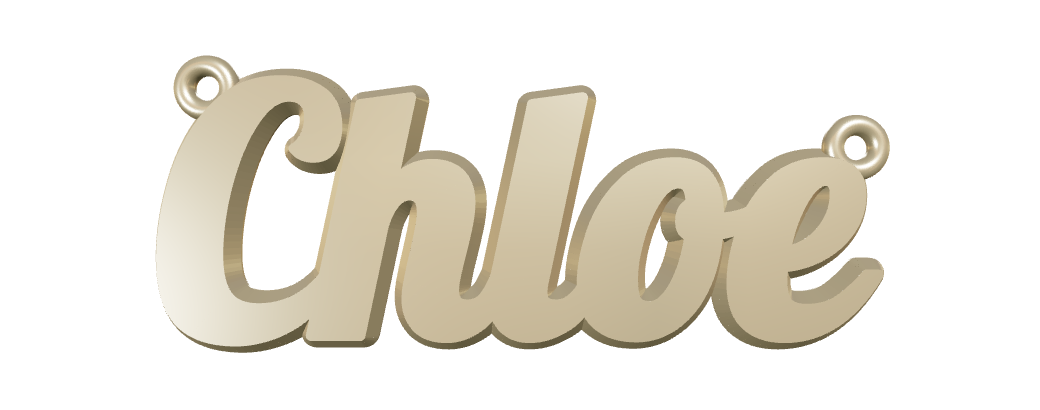
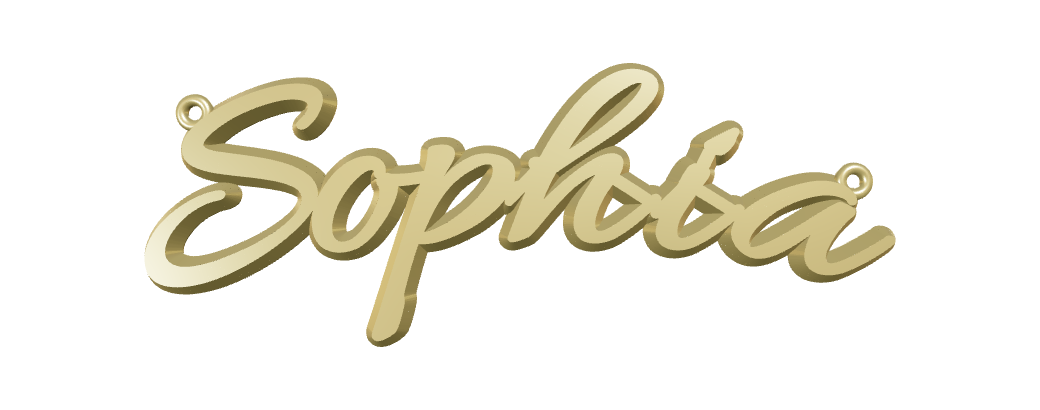
Flowing lettering. A name they'll wear.
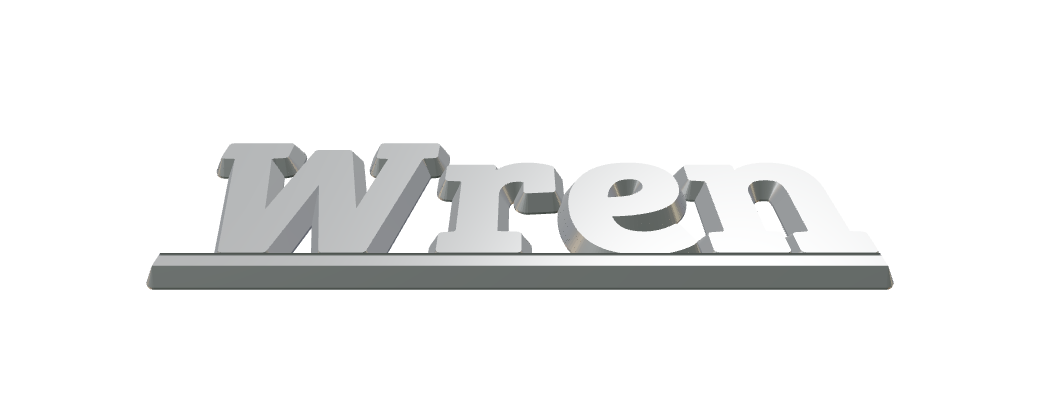
Classic serif with a clean supporting bar.
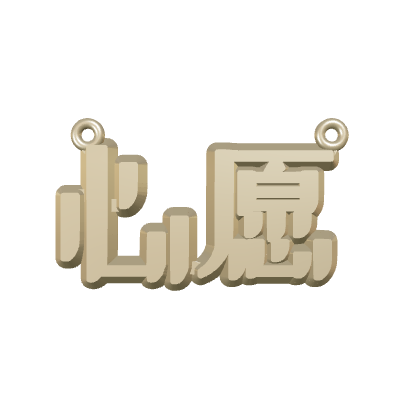
Explore lettering beyond the Latin alphabet.
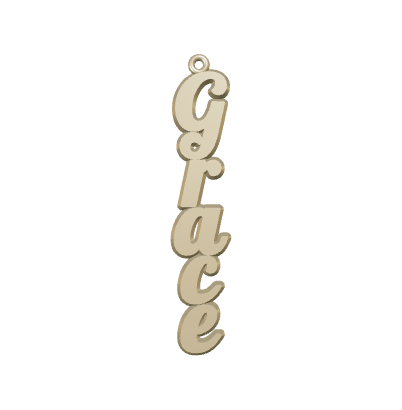
Vertical script
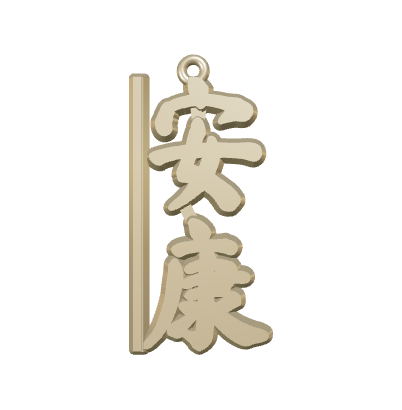
Chinese handwriting / vertical
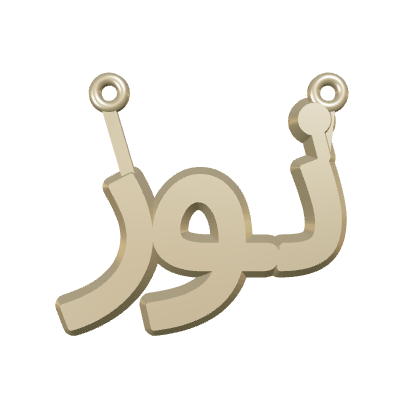
Arabic lettering
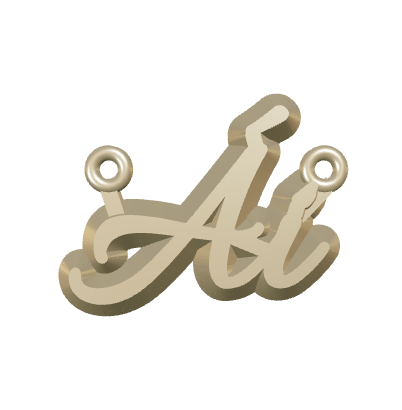
Vietnamese accents / fine script
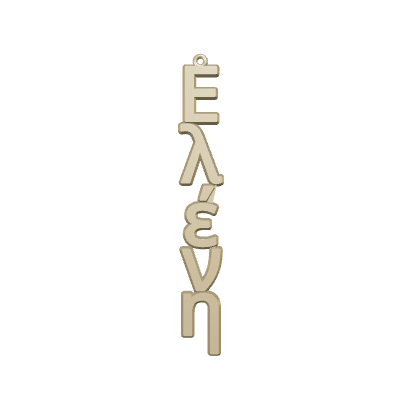
Greek lettering / vertical
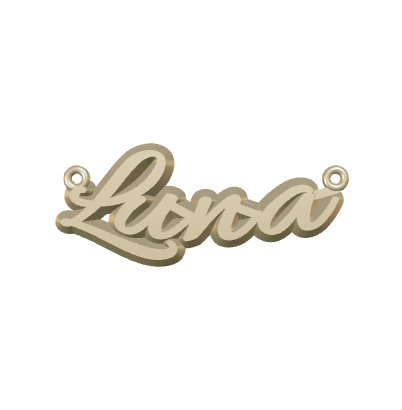
Bowed fine script
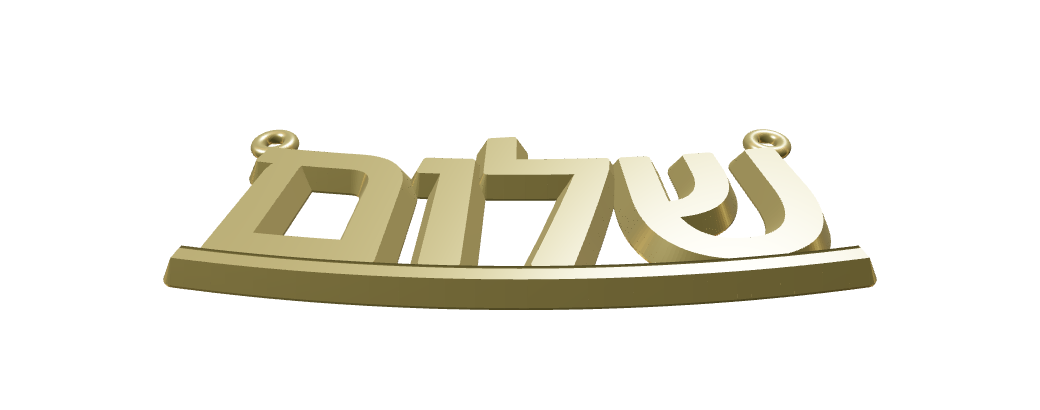
Hebrew lettering
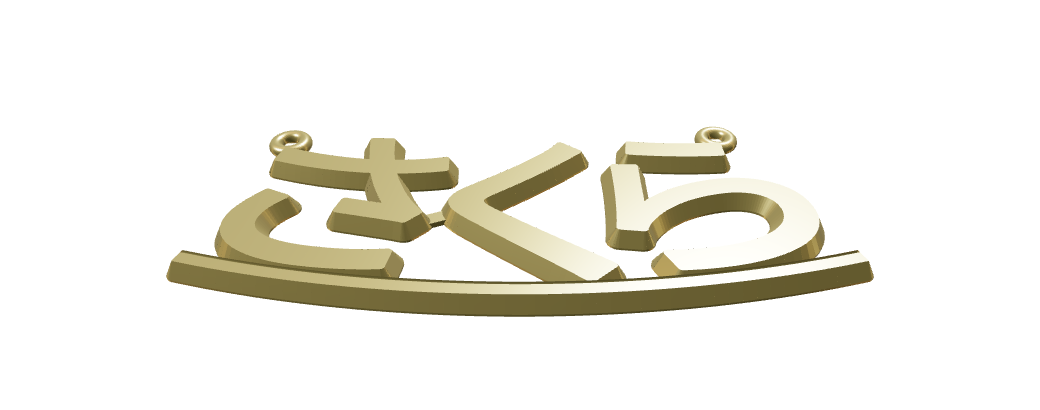
Japanese lettering

Korean lettering / vertical
Actual renders created with the Greenwax pendant tool, shown as sample designs. Available lettering depends on the selected font. Final joins, attachments and production details are reviewed for each order.
PUT IT TO WORK AT YOUR COUNTER
Make personal jewellery part of the conversations you already have.
Birthdays, new babies, graduations or a meaningful nickname. Start with the story.
Show the metal options and offer the optional cable chain. Review the updated estimate together.
Download or print the CAD approval drawing. Keep their confirmed spelling and specifications with the job.
With permission, share their pendant preview: “What name would you wear?” Invite the next customer to try.
No. When your shop designs a name pendant itself with Johnny can draw and places the production order with GW, there is no separate CAD design fee. GW charges for production. Your customer pays the retail price set by your shop.
No CAD drawing skills are needed. Type the name, choose the options and select Johnny Start Drawing. The tool prepares the drawing. Check the spelling, measurements, joins and chain attachments before approving production.
Yes. Work through the options together on your screen. Select Johnny Start Drawing after your edits and wait for the drawing to finish. Download or print the approval sheet so your customer can check the design.
Sign in to your Greenwax trade account, create and check the design, then select Add to order in the studio. Keep the job reference for follow-up. Confirm the production quote, finish and delivery requirements with Greenwax.
The production charge is AUD 60 for pendant and optional back-plate weight up to 2 g, rising evenly to AUD 100 at 3 g. At 2.5 g, the charge is AUD 80; at 3 g or more, it is AUD 100. Chain weight is excluded from this fee. Metal, any selected chain and the additional AUD 80 back-plate labour are charged separately. Your shop sets its own retail price.
The studio offers silver, 9k yellow gold, 18k yellow gold and platinum previews and weight estimates. You can add a matching fine cable chain in 40 cm or 45 cm. The 45 cm chain has an adjustment link at 40 cm. Confirm supply and final production details with Greenwax.
Use Get trade access to contact Greenwax about an account. Already registered? Open the studio and sign in with your existing trade account.
THEIR NAME. YOUR NEXT ORDER.
No separate CAD design fee for self-designed name pendant production orders placed with GW.
Trade account required. Your shop sets its own retail prices.